Let’s be honest with each other for one second. Kanji is the reason most people quit Japanese. Not grammar, not listening, not even the dreaded keigo — it’s kanji. You learn hiragana in one, maybe two week, feel very confident, then you meet 漢字 for first time and suddenly it feel like every character is just… random lines someone draw to torture you personally.
Best Kanji Learning Apps in 2026: Which One Actually Deserve Your Money
I get asked “which app should I use for kanji” more than almost any other question from my readers. So today, no fluff, I go through the apps that actually matter in 2026 — what they good at, where they fall short, and honestly, which one is waste of your money for YOUR specific situation. Because — and this is important — there is no single “best” app. There is best app for you, depending on your goal, your budget, your learning style.
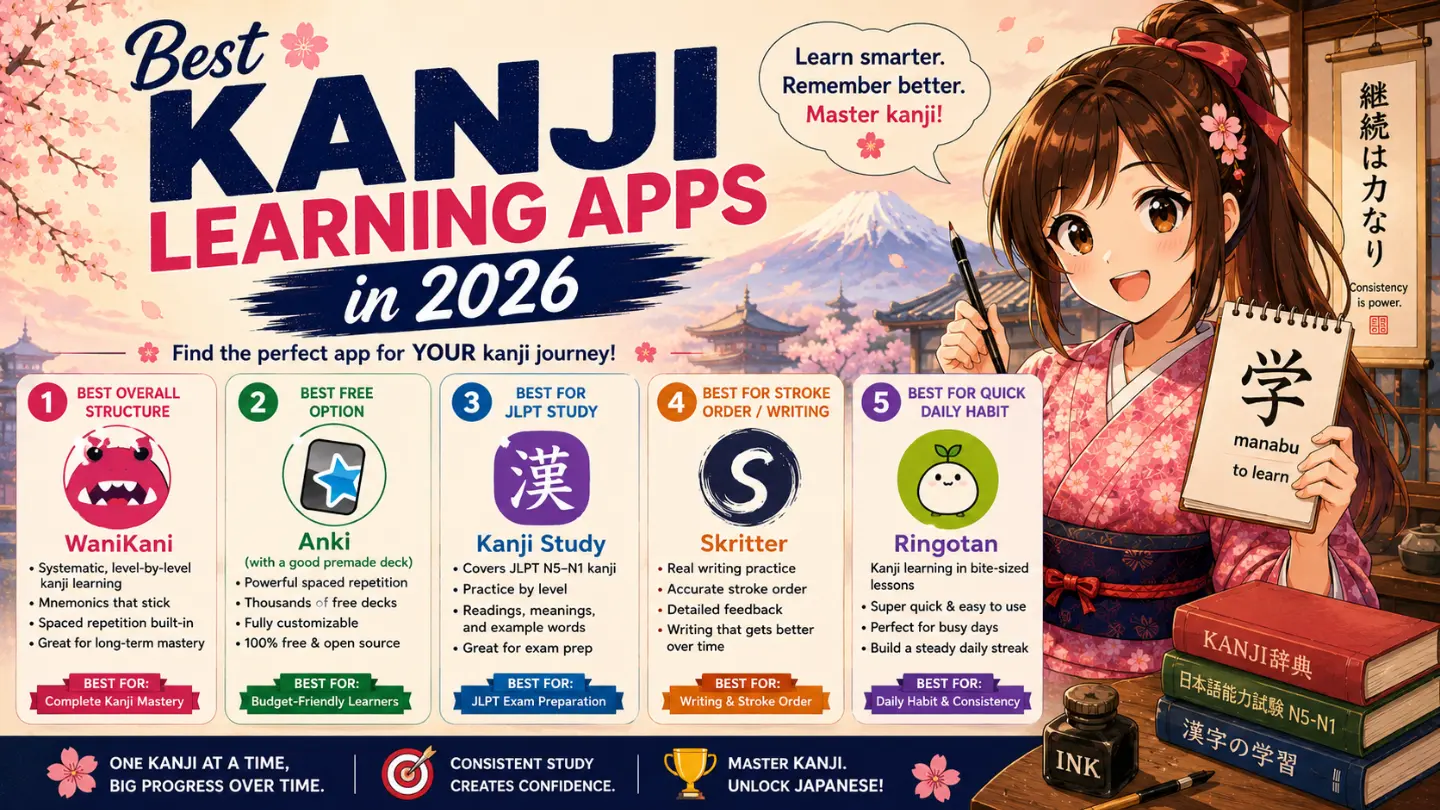
Quick Answer (For Those in Hurry)
- Best overall structure: WaniKani
- Best free option: Anki (with a good premade deck)
- Best for JLPT-specific study: Kanji Study app
- Best for stroke order / actual writing: Skritter
- Best for quick daily habit, low pressure: Ringotan
Now let me explain why, one by one.
1. WaniKani — The Structured Favorite
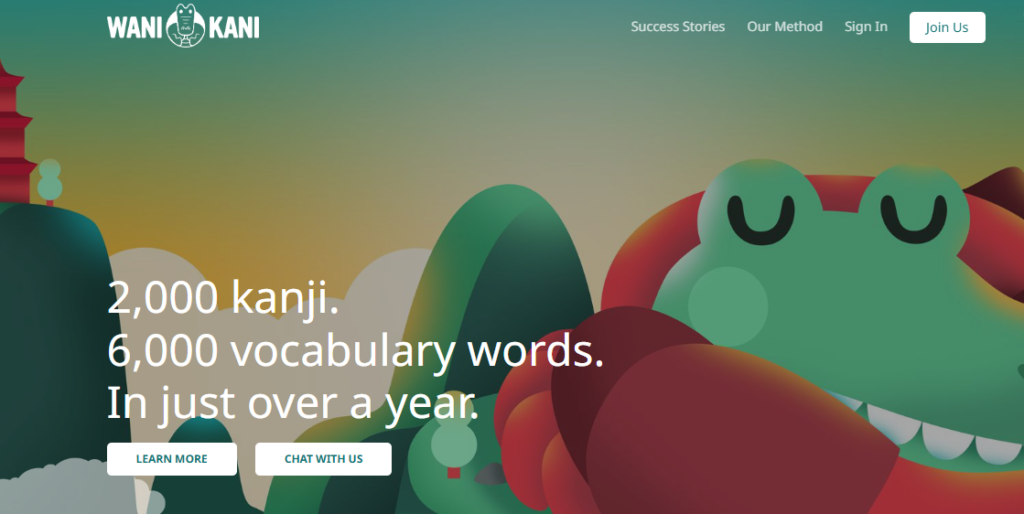
WaniKani is probably the most talked-about kanji app in the entire Japanese-learning community, and honestly, the reputation is mostly earned. It teaches through a radical → kanji → vocabulary pipeline, meaning you learn small building-block pieces first, then combine them into full kanji, then combine those kanji into real vocabulary words. This way, nothing feel random — every new character sits on top of something you already know.
What I like: The mnemonic stories are genuinely clever (sometimes weird, sometimes little bit inappropriate humor, but memorable — which is the whole point). The spaced repetition engine is well-tuned, and the 60-level curriculum eventually cover around 2,000 kanji and 6,000 vocabulary words, which is a serious amount of content.
What frustrate me, and my students: WaniKani follows its own fixed order, not JLPT level order. So if your only goal is “pass N5 in 3 months,” WaniKani might teach you kanji you don’t need yet, before some kanji you DO need for the test. It also teach zero grammar, zero listening — it is purely a kanji-and-vocabulary tool, so you will need something else alongside it.
Pricing: First 3 levels are free, no credit card needed (roughly 6-8 weeks of content, enough to know if the mnemonic style work for your brain). After that: $9/month, $89/year, or $299 one-time lifetime. If you’re the type who finish what you start, lifetime saves real money over time. If you’re not sure you’ll stick with it past a few months — start monthly, don’t gamble $299 on day one.
2. Anki — The Free, Endlessly Flexible Option
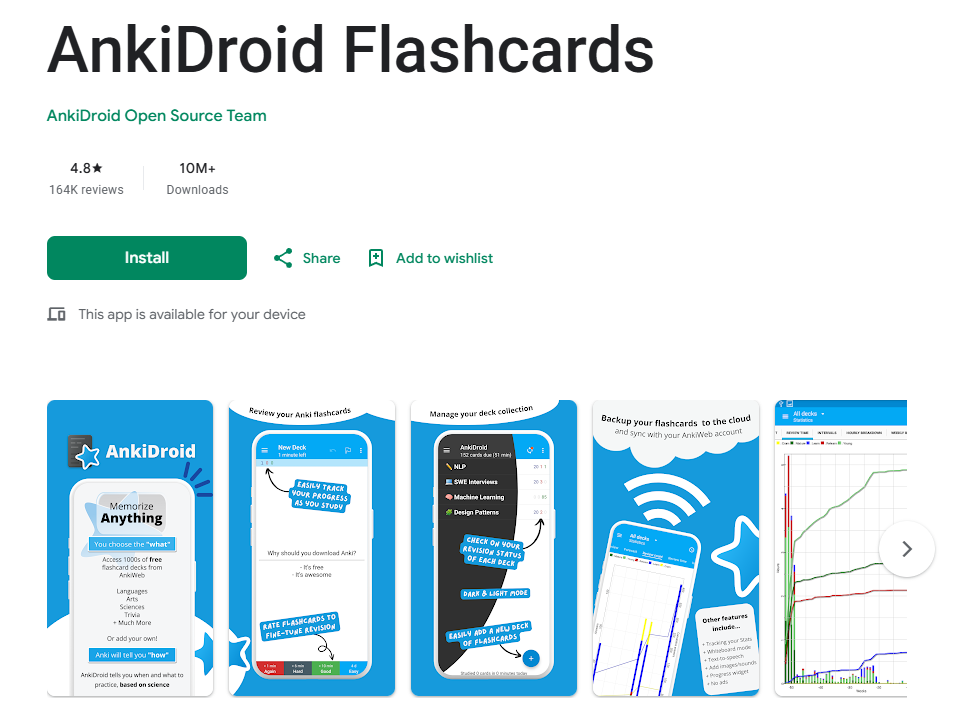
I recommend Anki to literally every single one of my students, not only for kanji but for basically everything vocabulary-related. It’s not specifically a “kanji app” — it’s a spaced repetition engine you can point at anything — but there are excellent premade N5 through N1 kanji decks available for free, made by other learners in the community.
What I like: It cost nothing. It works completely offline. You control everything — what order you learn, how many new cards per day, what info shows on the card. For self-motivated learner on tight budget, honestly, there is no better value.
What frustrate me: This same flexibility is Anki’s biggest weakness for beginner. There’s no built-in “curriculum” telling you what to learn next — you have to find good deck yourself, and the interface, I will be honest, look like it was designed in year 2005 (because, well, it kind of was). If you need hand-holding or you get overwhelmed by choice, Anki alone might not be enough structure for you.
Pricing: Free on desktop and Android. iOS app (AnkiMobile) is a one-time paid purchase, which surprise many new users — but desktop and Android stay completely free forever.
3. Kanji Study — The JLPT-Aligned Choice
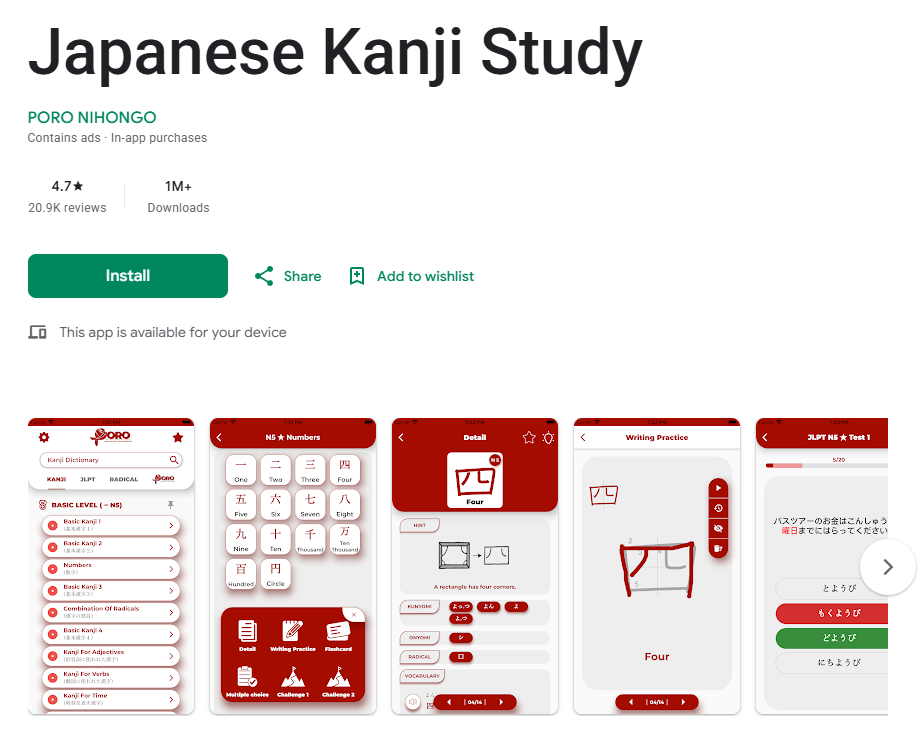
This one is a bit under-the-radar compare to WaniKani, but I’ve seen genuinely great feedback from learners who specifically want their kanji study to line up with JLPT levels rather than a custom curriculum.
What I like: You can filter and study kanji specifically by JLPT level (N5 through N1), which solve the exact problem I mention above with WaniKani. It also includes stroke order animation, writing practice, and example sentences.
What frustrate me: The free version is quite limited — you’ll hit a wall fast and need to pay to unlock full functionality. Some learners also say the interface, while functional, doesn’t feel as polished or “fun” as WaniKani’s gamified approach.
Pricing: Free to download with limited content; full unlock is a one-time in-app purchase (price vary slightly by platform, generally in the $20-30 range for full access — always check current price in-app since these do change).
4. Skritter — For When You Actually Need to Write

Here’s something important I tell my students constantly: recognition and writing are two DIFFERENT skills. You can recognize 食 means “eat” without being able to reproduce it correctly on paper. If your goal only include reading, most apps above are fine. But if you need to handwrite — for a class, for taking notes, or simply because you want deeper memory retention — Skritter is the one built specifically for this.
What I like: It uses actual stroke-order recognition technology on your phone or tablet screen, and give you real-time feedback when your stroke order is wrong, not just the final shape. This is genuinely hard to find elsewhere.
What frustrate me: It’s one of the pricier options on this list, and if you don’t care about handwriting, you are paying for a feature you’ll never use.
5. Ringotan — Low-Pressure Daily Habit Builder
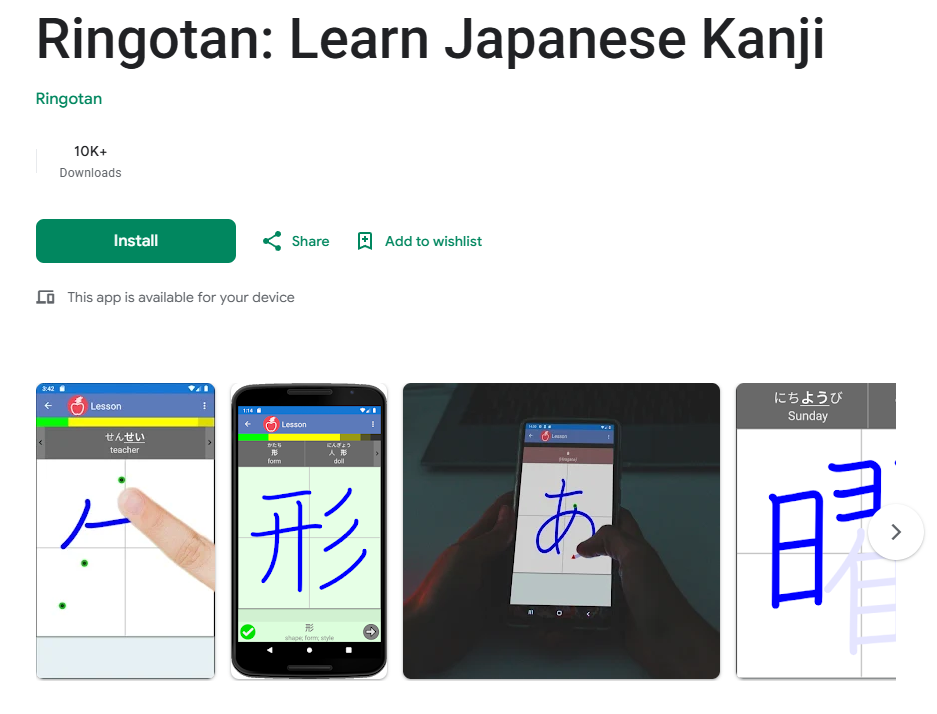
I want to mention this one because not every learner wants an intense, gamified, hours-per-day system. Ringotan focus on small, quick daily writing practice sessions, which some of my more anxious or easily-overwhelmed students actually prefer.
What I like: Sessions are short and don’t demand huge time commitment, which help build consistency — and as I always say, consistency beat intensity, every single time.
What frustrate me: The kanji coverage and depth is smaller compare to WaniKani or Kanji Study, so it works better as a supplement than a main tool for serious JLPT prep.
Comparison Table
| App | Best For | Writing Practice? | JLPT-Aligned? | Starting Price |
|---|---|---|---|---|
| WaniKani | Structured long-term learners | No | No (own order) | Free (3 levels), then $9/mo |
| Anki | Budget-conscious, self-directed learners | No | Depends on deck | Free (paid on iOS) |
| Kanji Study | JLPT-focused test prep | Yes | Yes | Free, ~$20-30 full unlock |
| Skritter | Handwriting-focused learners | Yes (advanced) | Partial | Paid, premium pricing |
| Ringotan | Casual daily habit building | Yes (light) | Partial | Freemium |
So Which One Should YOU Actually Pick?
I know, I know — you probably want me to just say one name. But truthfully, my honest advice is this:
- If you’re preparing specifically for JLPT N5 or N4, start with Kanji Study or a JLPT-tagged Anki deck, so you’re not wasting time on kanji outside your test scope.
- If you want a long-term, structured kanji journey and don’t mind following someone else’s order, WaniKani free trial is absolutely worth testing.
- If your budget is zero, Anki plus a free community deck will take you very, very far — many fluent readers built their entire kanji base this way.
- If you specifically need to handwrite kanji for school, work, or personal goal, add Skritter on top of whichever recognition app you choose.
And honestly? Many serious learners, myself including back when I was studying, end up using two tools together — one for structured learning, one lightweight for daily review. There’s no shame in this. Kanji is a marathon, not sprint, and whatever keep you showing up every day IS the best app, no matter what any review (including this one) tell you.
FAQ: Kanji Learning Apps
Q: Do I need a paid app to learn kanji well? No. Anki alone, completely free, has taken many learners from zero to fluent reading. Paid apps mainly buy you convenience, structure, and polish — not something impossible to achieve for free.
Q: How many kanji do I need for JLPT N5? Around 100 kanji for N5. This is very manageable and honestly, most apps on this list — even used lightly — will cover this within a couple months of consistent practice.
Q: Should I learn kanji recognition or writing first? For most learners, especially if your main goal is reading manga, news, or passing JLPT, recognition first is the priority. Writing is valuable but secondary unless you have specific need for it, like a handwritten exam.
Q: Can I use more than one kanji app at the same time? Yes, and honestly many successful learners do exactly this. Just be careful about overloading yourself with reviews from two different SRS systems at once — pick one as “main” and one as light supplement.
Have you tried one of these apps yourself? I would love to hear your honest experience in the comments — good or bad, real experience help other readers more than any polished review.